# Mobile App
## Overview
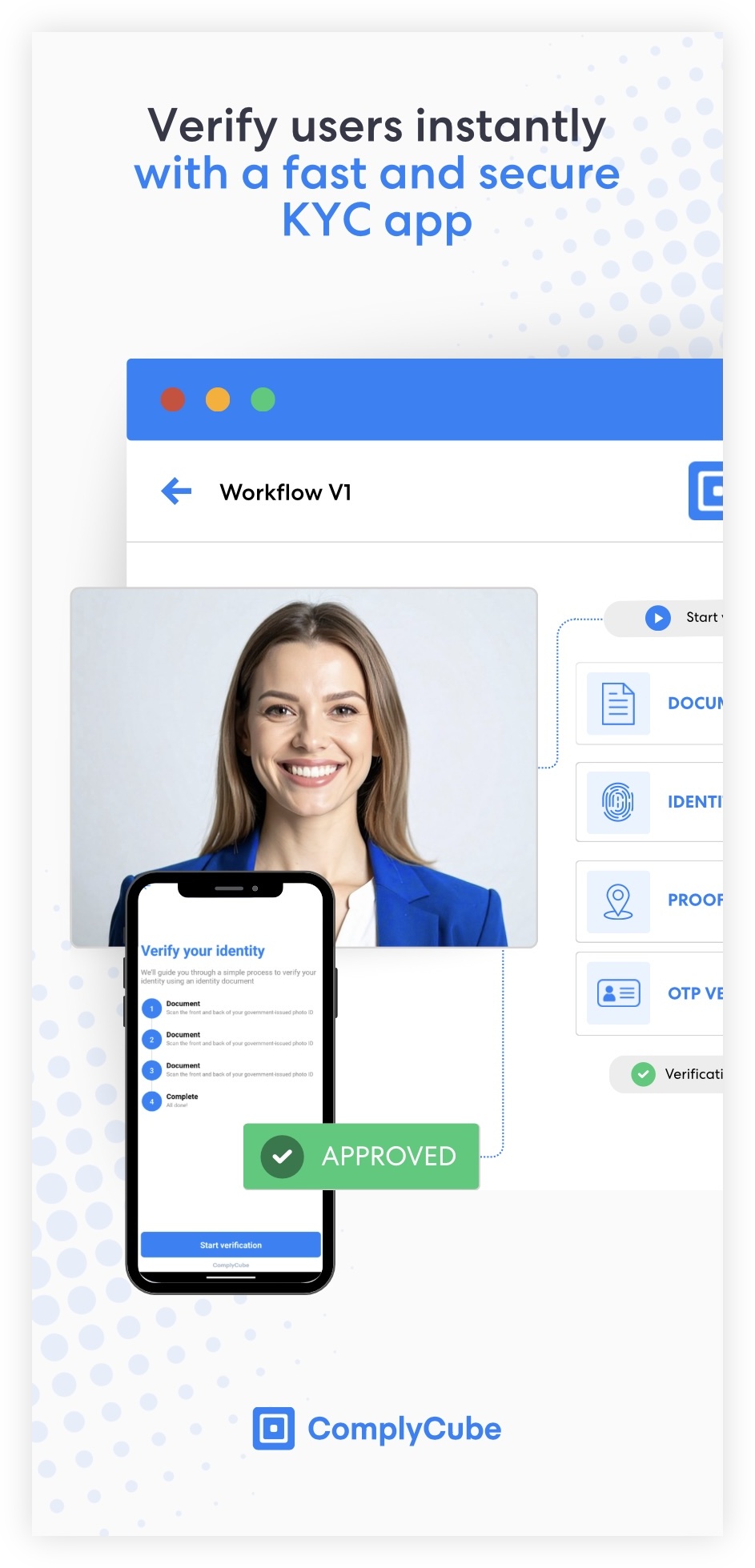
The **ComplyCube for Business Mobile** app lets you run verification flows instantly without writing a single line of code. You can preview our demo flows or load and test your own workflows directly from your account, making it easy to validate configurations, experiment with settings, and share flows with your team.
This allows you to test end-to-end journeys in seconds, before you begin integrating.
ComplyCube for Business Mobile App
The ComplyCube mobile app makes it easy to test and refine your verification flows:
* **Instant testing**: Run your live and test verification flows instantly.
* **Demo-ready**: Explore pre-built identity, liveness, and AML flows for internal demos and reviews.
* **Real user journey preview**: See exactly what your customers will experience.
* **Device-agnostic**: Test flows across different iOS and Android devices.
* **Rapid iteration**: Update a workflow in the Portal and test changes immediately in the app.
* **Easy troubleshooting**: Reproduce issues, test device variations, and review behavior end-to-end.
## Getting started
{% stepper %}
{% step %}
#### Download the app
:apple: iOS App Store
Scan the QR code or visit [ComplyCube on the App Store](https://apps.apple.com/gb/app/complycube-for-business/id6756886861).
:android: Android Play Store
Scan the QR code or visit [ComplyCube on the Android Play Store](https://play.google.com/store/apps/details?id=com.complycube.kycaml.app).
{% endstep %}
{% step %}
#### Connect your ComplyCube account
To connect your ComplyCube account, simply scan your unique QR code when prompted. Your QR code is available on the [Mobile App page](https://portal.complycube.com/developers/mobile) on our Portal.
{% endstep %}
{% step %}
#### Start testing
Once your account is connected, you can test any verification workflow available in your Live or Test environment.
{% endstep %}
{% endstepper %}
## Troubleshooting
Workflow not loading
* Check you are using the correct environment (Test vs Live).
* Verify that the [workflow status](https://app.gitbook.com/s/KyFKMqftsmT6qln9zo5y/compliance-studio/workflows#workflow-statuses) is **Active**.
* Ensure you have [Workflows](https://app.gitbook.com/s/KyFKMqftsmT6qln9zo5y/compliance-studio/workflows) included in your [plan](https://portal.complycube.com/settings/plan).
Verification step missing
* Confirm that the workflow version you’re testing has been saved and activated.
* Ensure that the check type is included in your [plan](https://portal.complycube.com/settings/plan).
## Frequently asked questions
Does the app store any personal data?
No. The app only runs verification flows using your workflow. All data is processed through ComplyCube and stored according to your retention settings.
Can I see the results of the verification flow?
Yes, you can view the results of all verification flow via the [Workflow Sessions](https://portal.complycube.com/workflowSessions) page on the Portal.
The QR code link is not working on the Portal?
Only Account Owners, Adminstrators, and Developers can connect accounts to the app.
Can end-customers use this app?
No. It is strictly for internal testing and demo purposes.
Are Live or Production workflows available in the app?
Yes, once you log in, you will be able to run any of test or live workflows.
---
# Agent Instructions: Querying This Documentation
If you need additional information that is not directly available in this page, you can query the documentation dynamically by asking a question.
Perform an HTTP GET request on the current page URL with the `ask` query parameter:
```
GET https://docs.complycube.com/documentation/integration-resources/complycube-mobile-app.md?ask=
```
The question should be specific, self-contained, and written in natural language.
The response will contain a direct answer to the question and relevant excerpts and sources from the documentation.
Use this mechanism when the answer is not explicitly present in the current page, you need clarification or additional context, or you want to retrieve related documentation sections.